ProjectTimer – Automatic Time Tracking Plugin for JetBrains IDEs
Time Tracking, Built into Your Workflow.
ProjectTimer is designed to work seamlessly across the entire JetBrains IDE family.
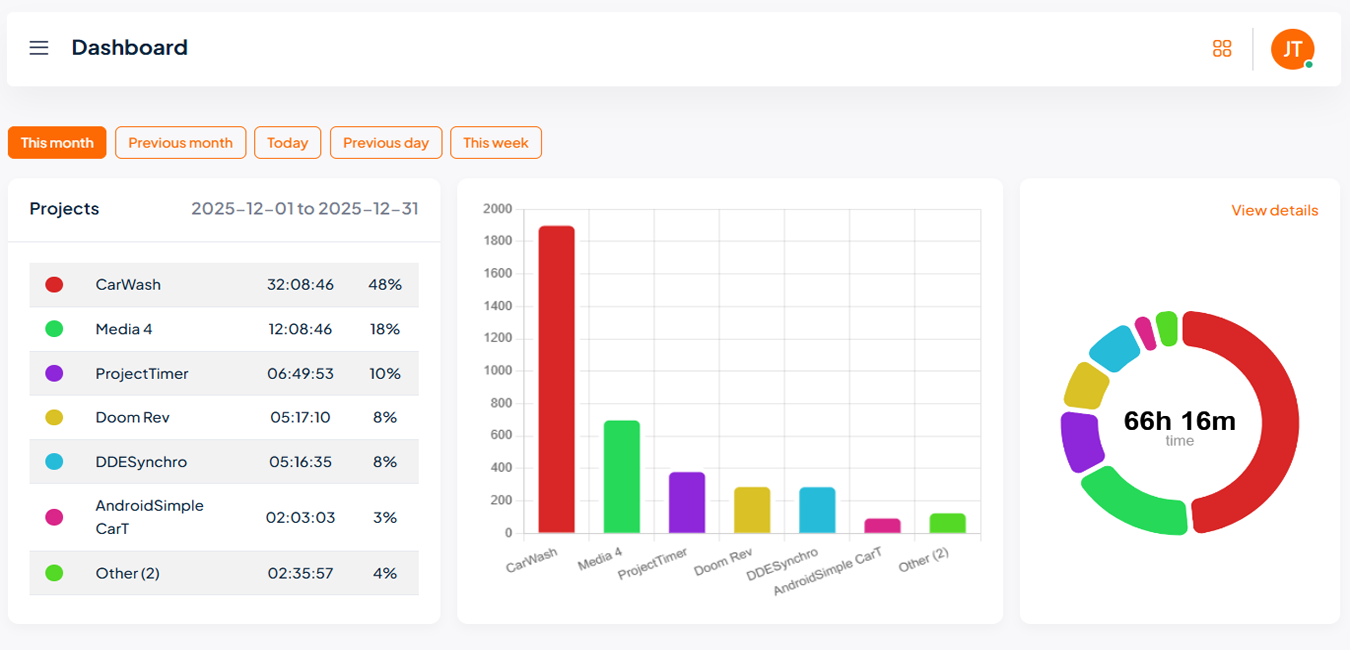
Built on the core IntelliJ Platform, you can track your coding time regardless of the language or environment. Our plugin works silently in the background, capturing every minute spent on client projects.
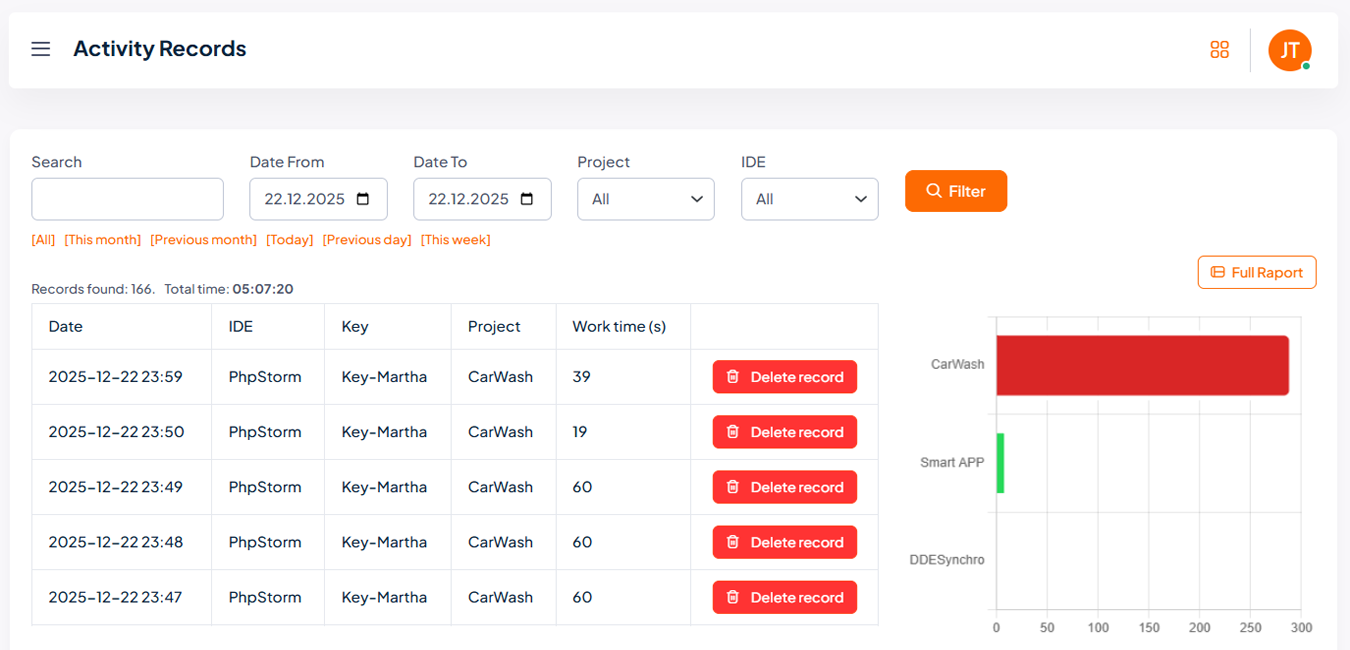
Work data is captured and transmitted in minute-level intervals to ensure nothing is lost.
Security and Data Focus
We understand that security is paramount when working within your development environment. ProjectTimer is secure and non-intrusive.
Data Collected:
- Project Name/Identifier
- Active Time Spent in IDE
- User Account Identifier
We do not collect:
- Your code or file contents
- Keystrokes or sensitive input
- Other personal data
For full details, please refer to our Privacy Policy.
Supported IDEs
Whether you are developing mobile apps or backends, ProjectTimer stays in the background.

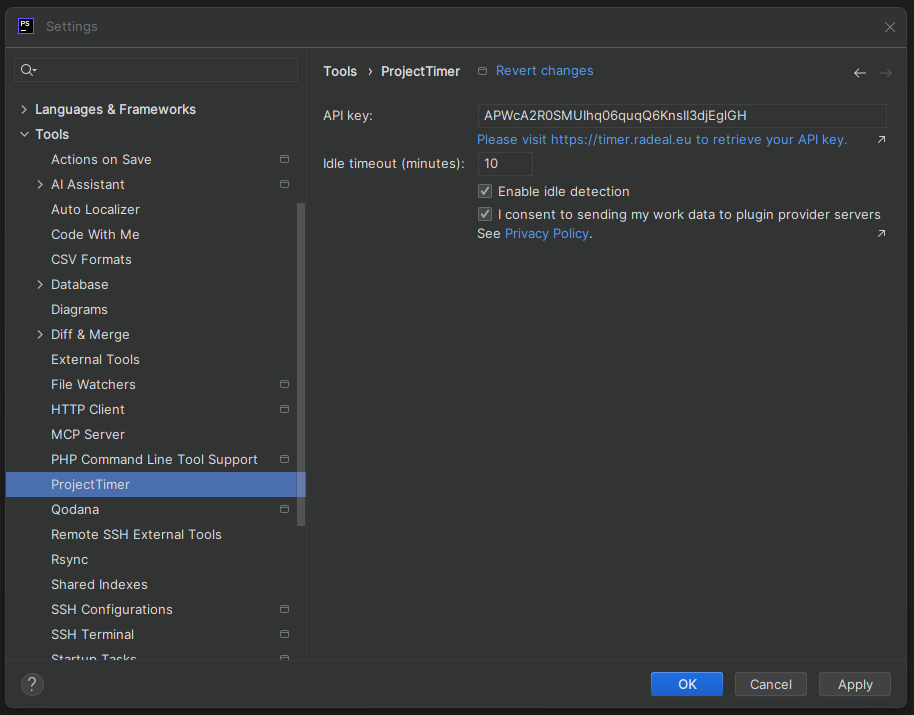
How to Set Up Your API Key
Install the plugin from the JetBrains Marketplace.
Go to Settings > Tools > ProjectTimer.
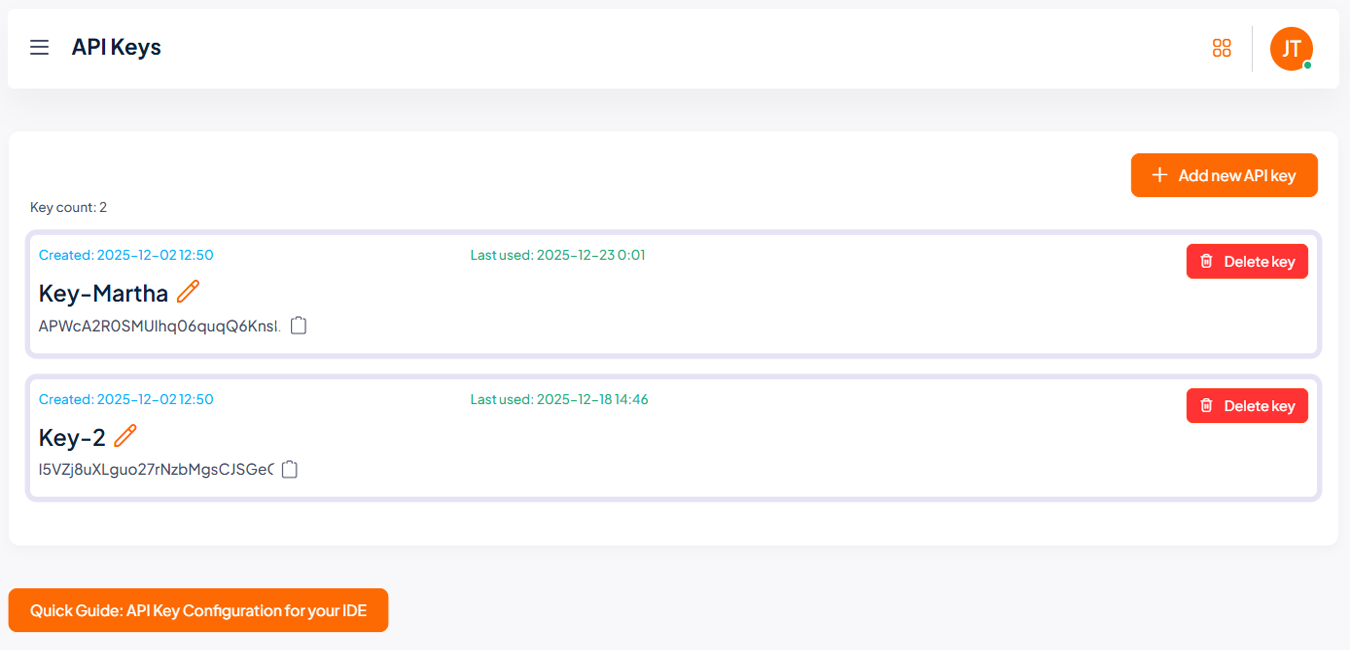
Get your API key from our website.
Paste the key and hit "OK"
Screenshots